The Platform-to-Desk Keyboard: A Compact Build for UK Commuters
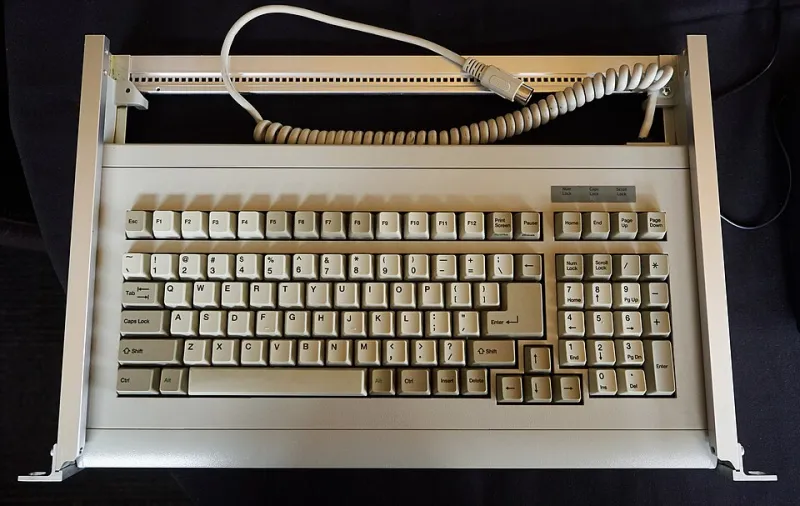
Photo: Patrick Breen, CC BY 2.0, via Wikimedia Commons
A keyboard that lives on a desk is one thing. A keyboard that commutes is another. It gets shoved into a bag beside a laptop, balanced on a train table that has seen better decades, plugged into a dock at 9am and then carried home through weather that cannot decide whether it is drizzle or a full character-building downpour. The brief here is not maximal performance. It is repeatable survival, with enough typing feel left to make the journey worthwhile.
Start with the layout, not the legend
For UK commuters, the first fork in the road is size. A 60% board is wonderfully portable and leaves room in a rucksack for the things you actually need, but it asks you to learn layers for arrow keys and function row duties. If you spend your day in spreadsheets, terminals or long documents, a 65% layout is often the kinder compromise: arrow keys, a compact cluster and a footprint that still sits comfortably beside a laptop on a train table.
A 75% board gives you more keys and a firmer sense of normality, but it starts to crowd smaller bags. My rule is simple: if the keyboard has to share a table with a coffee and a laptop, 60% or 65% is the sweet spot. If it mostly travels between one desk and another, 75% is fine. Whichever you choose, stick to ISO-UK if that is what your fingers expect. Fighting a US ANSI layout on a moving train is not the character-building challenge anyone asked for.
Wired, wireless or both?
A commuter board benefits from options. USB-C wired is dependable, needs no charging and is the right answer when you are at a fixed desk with a dock. Bluetooth is brilliant for tablets and laptops, especially on quieter carriages where a dangling cable turns into a small wrestling match. A 2.4GHz dongle is the most plug-and-play of the wireless options, but it is also the easiest thing to lose in the bottom of a bag.
A sensible 2026 commuter build uses a hot-swap PCB with USB-C and Bluetooth, plus a physical power switch that is not buried under the spacebar. Battery life matters less than honest battery reporting. If the board dies mid-journey and you have no cable, the romance of wireless evaporates quickly. Carry a short USB-C cable anyway. It weighs almost nothing and saves the day more often than you would think.
Switches for a train, not a typing test
Tactile switches are a good middle ground for commuters: enough feedback to type accurately, less of the sharp report that can make a quiet carriage feel like a percussion workshop. A medium-weight tactile or a smooth linear with a heavier spring is a practical choice. Save the clicky switches for the home desk, or for people who genuinely enjoy being the main character at 07:42.
Case and plate matter too. A stiff, hollow case can amplify every keystroke; a gasket-mounted board with a little foam and a properly fitted plate tends to sound rounder and carry less. You do not need to build a silent board. You need a board that sounds deliberate rather than alarming. If your commute includes a quiet coach, test the build at home with a video call or a voice note playing nearby. It is a rough approximation, but it is better than discovering the issue between Reading and Paddington.
The case, the sleeve and the British weather
A commuter keyboard does not need to be waterproof, but it should not be defenceless. An aluminium case feels reassuring and helps protect the PCB, though it adds weight and can be chilly in a bag. A well-made ABS or polycarbonate case is lighter and often cheaper, which matters if the board is going to pick up scuffs. Whichever you pick, look for a case that closes cleanly and does not flex around the USB-C port.
Then buy a sleeve that actually fits. A padded sleeve with a separate pocket for a cable is the minimum. A zipped sleeve with a soft lining is better. If your bag has a laptop compartment, use it, but do not assume it is waterproof. A simple dry bag or a zip-top pouch inside your rucksack is cheap insurance against a spilled bottle or a soaked commute. Avoid storing the keyboard loose beside keys, coins or a metal water bottle. That is how legends get polished off and cases get scars.
UK parts and practical sourcing
There is a healthy UK keyboard scene, and a commuter build is a good excuse to use it. Look for UK-based vendors for switches, stabilisers, cables and sleeves where possible, especially if you want quicker returns. Group buys can be tempting, but a commuter board is not the place for a twelve-month wait. Buy in stock, buy a spare set of stabilisers, and keep a few spare keycaps for the keys that take the most abuse.
For the PCB, favour something with VIA or VIAL support. Remapping a layer on a train is far easier than rebuilding firmware on a platform. A hot-swap socket is also worth having. If a switch starts double-typing after a month in a bag, you can swap it at your desk rather than retire the whole board.
Hot-desking without becoming the office problem
At the office, a compact keyboard is a courtesy. It takes up less desk space, it is easier to move, and it does not demand that everyone else rearrange their monitors. Keep the volume reasonable, use a desk mat to soften the sound, and do not practise your fastest typing test during a meeting. If you share a desk, pack the board away at the end of the day rather than leaving it as a small monument to personal taste.
A coiled cable looks lovely, but a short straight cable is easier to stash. A wrist rest is optional; if you use one, make sure it fits the board and does not slide around on a shared desk. The best commuter setup is the one you can set up and pack down in under a minute, without hunting for a dongle or untangling a cable.
The commuter-ready checklist
- 60% or 65% ISO-UK layout for tight tables and smaller bags.
- Hot-swap PCB with USB-C and Bluetooth, plus a physical power switch.
- Tactile or smooth linear switches, not clicky, unless you commute alone.
- Gasket mount or a case with sensible damping to keep the sound civil.
- Padded sleeve, short USB-C cable and a dry bag or pouch for wet days.
- VIA or VIAL support so you can fix a layer without a rebuild.
- A spare switch or two, a keycap puller and a small cloth in the bag.
- Desk mat for shared offices and a pack-down routine you will actually follow.
The commuter keyboard is not about owning the most exotic build. It is about trust: the same quiet clack on the train, the same reliable connection at the desk and the same easy pack-up when the day is done. Build for that, and the 07:42 becomes a much less troublesome place to type.